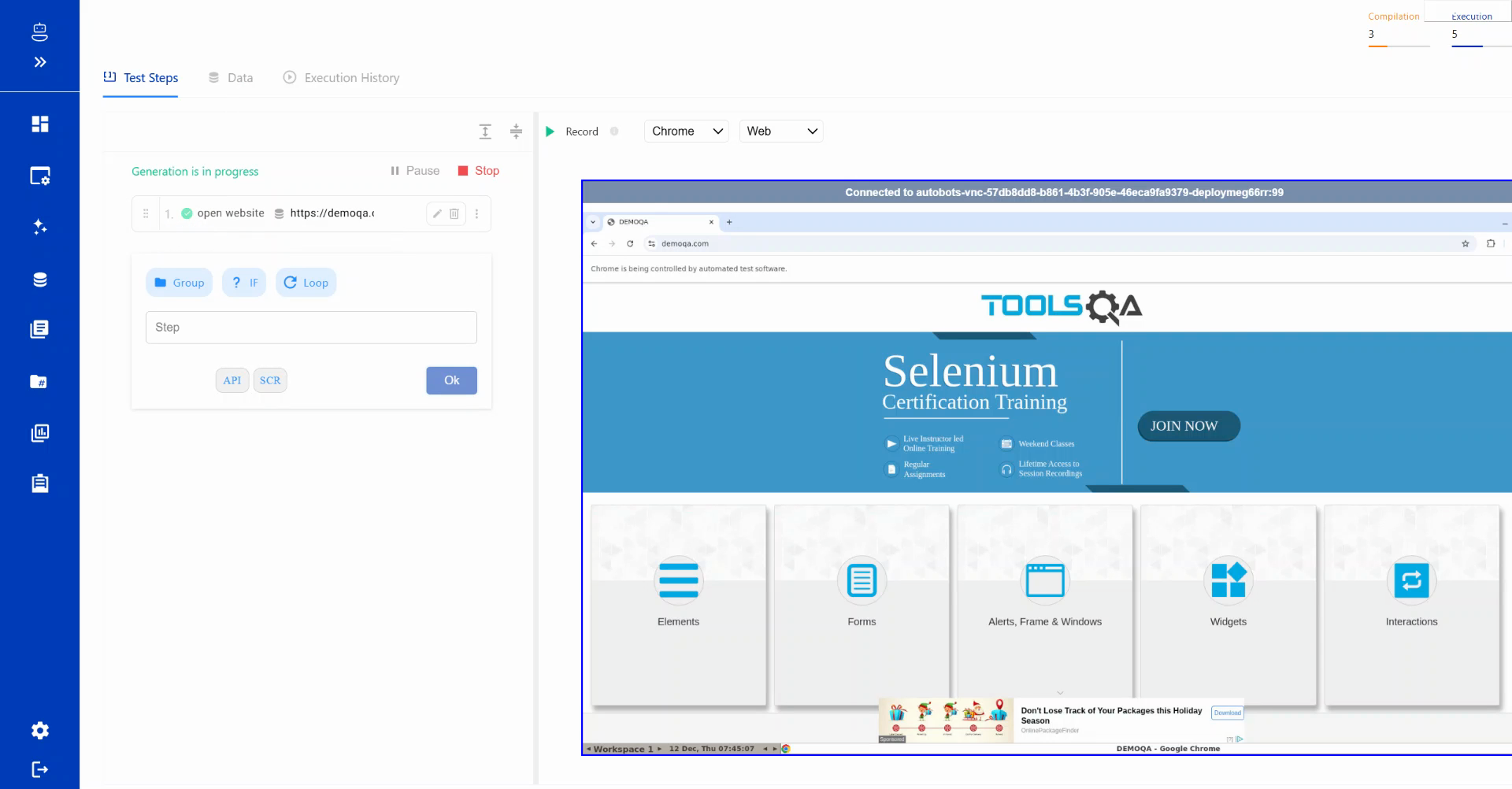
Create a New Test Case
Follow these steps to create a new test case in BotGauge:
Step 1: Click on the "New Test Case" button
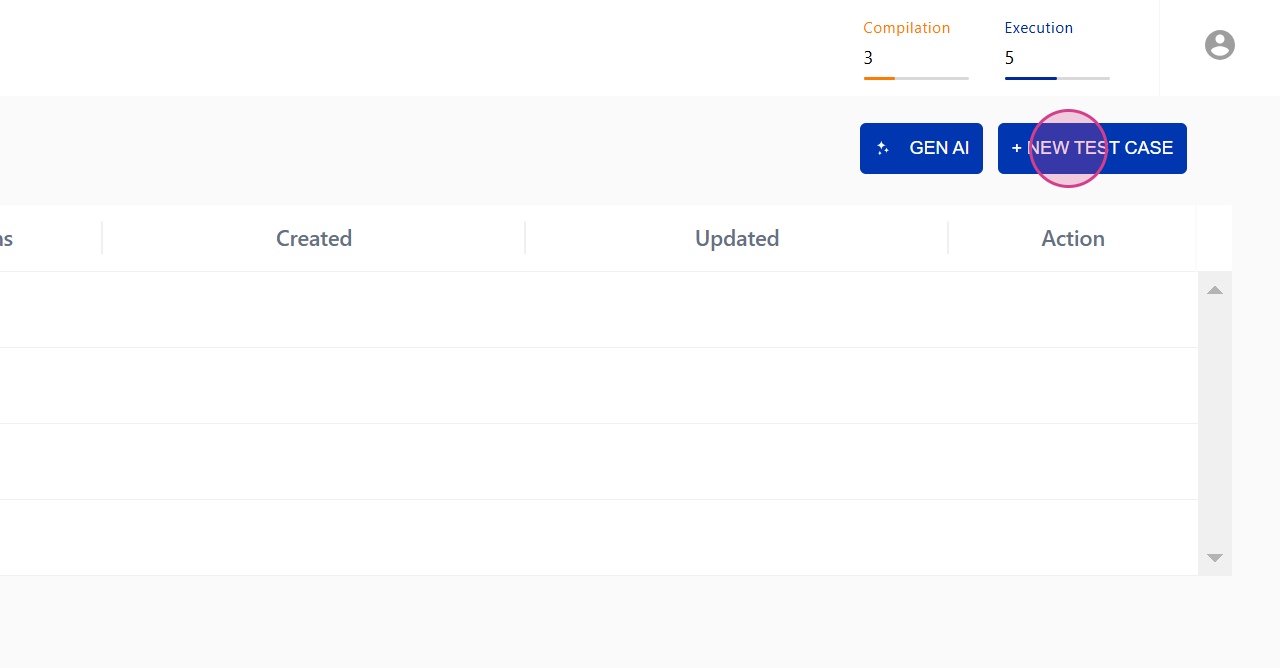
Step 2: Enter the test case details
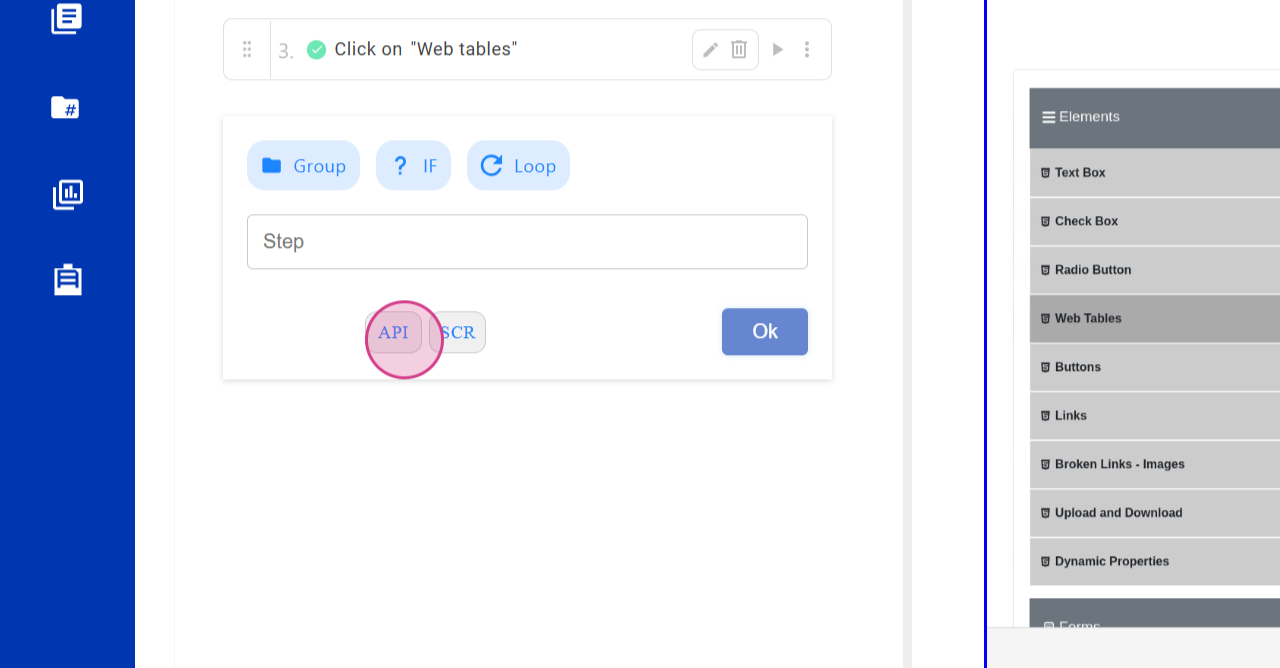
Step 3: Provide a name for your test case
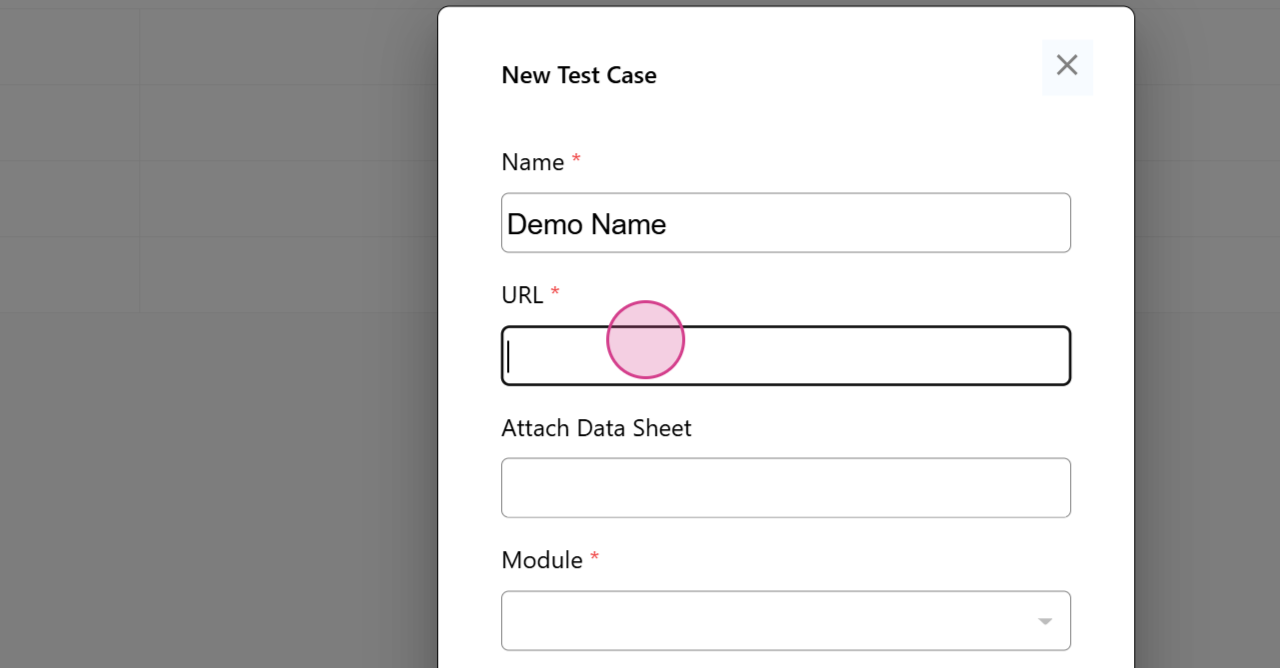
Step 4: Enter the URL for your test case
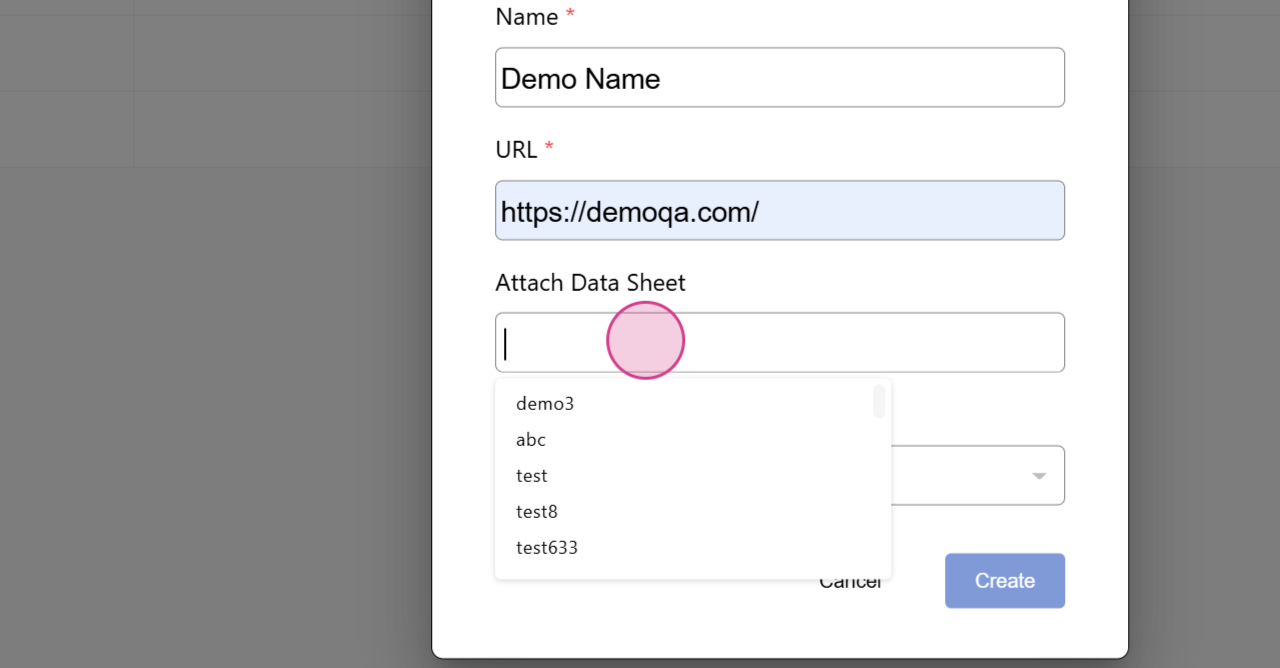
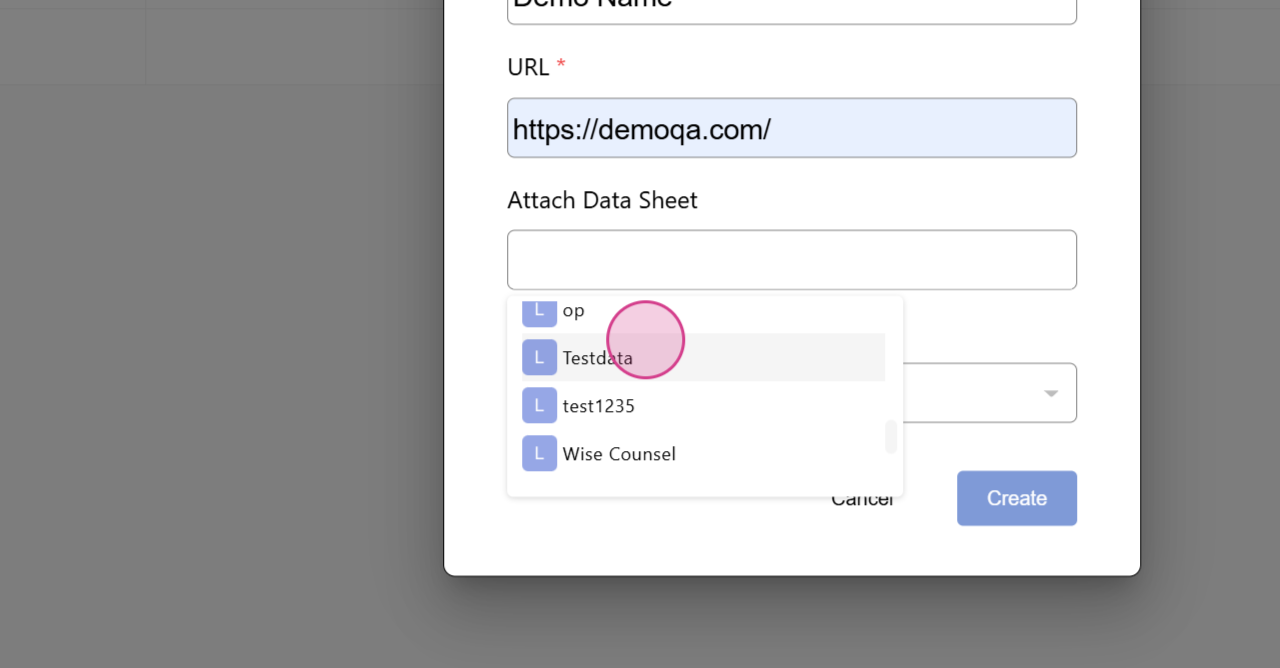
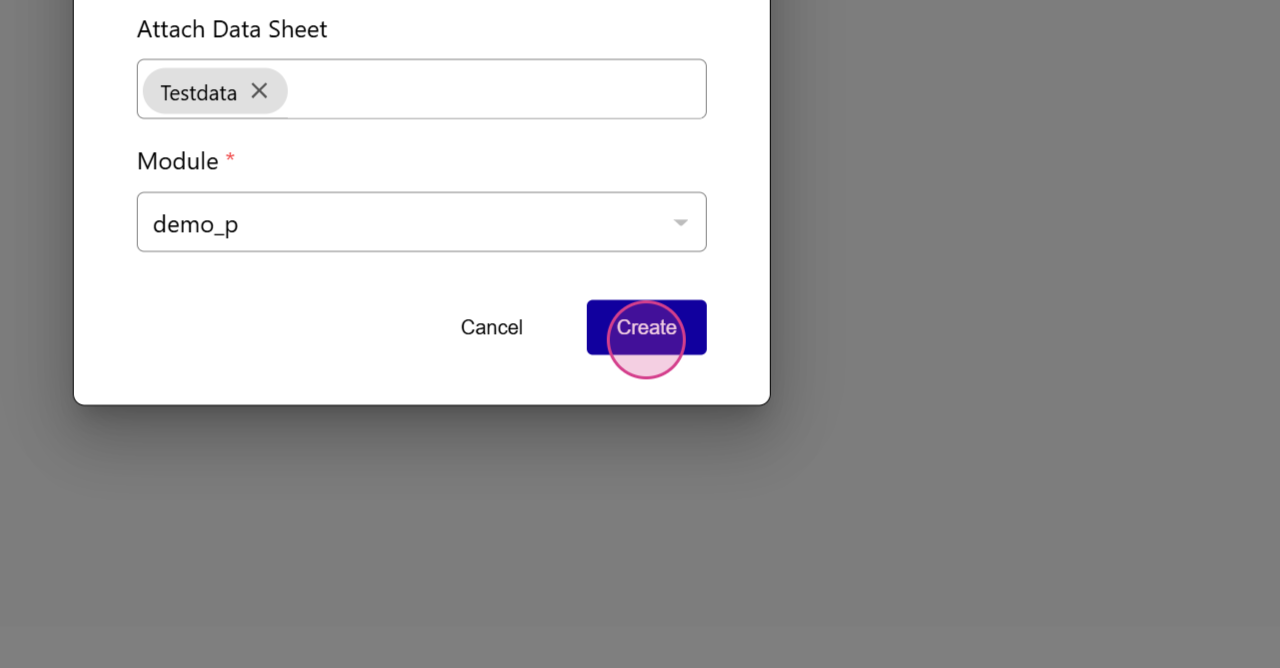
Step 5: Attach a data sheet (if applicable)
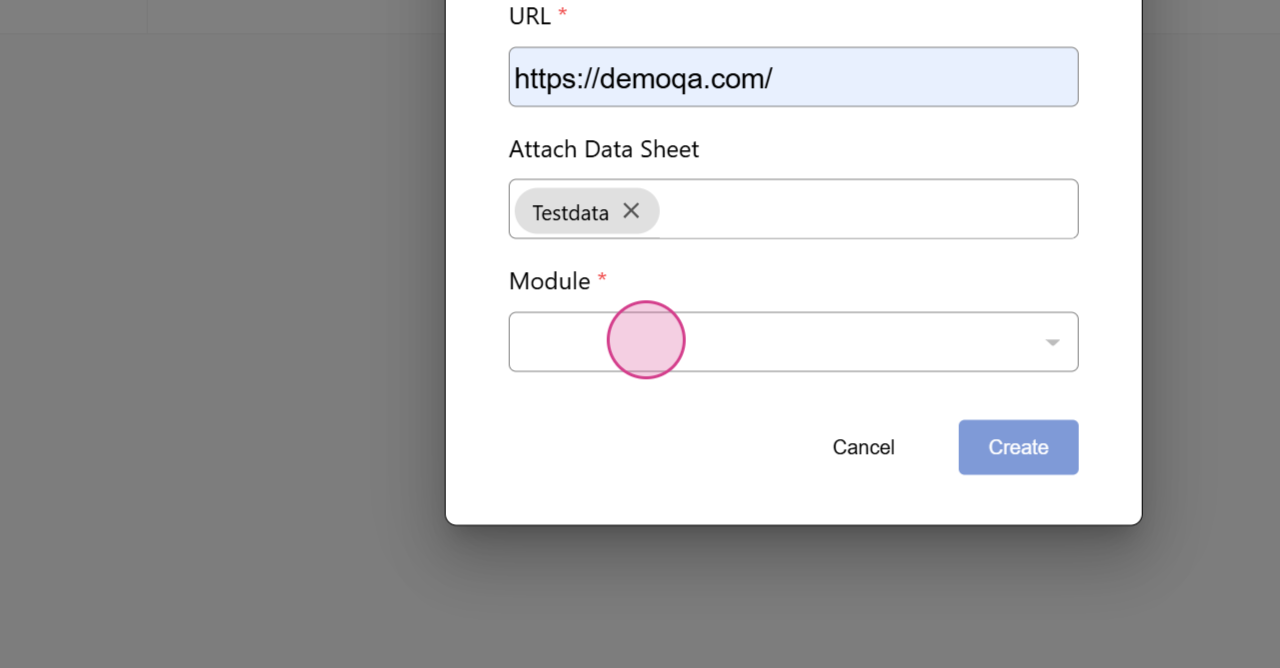
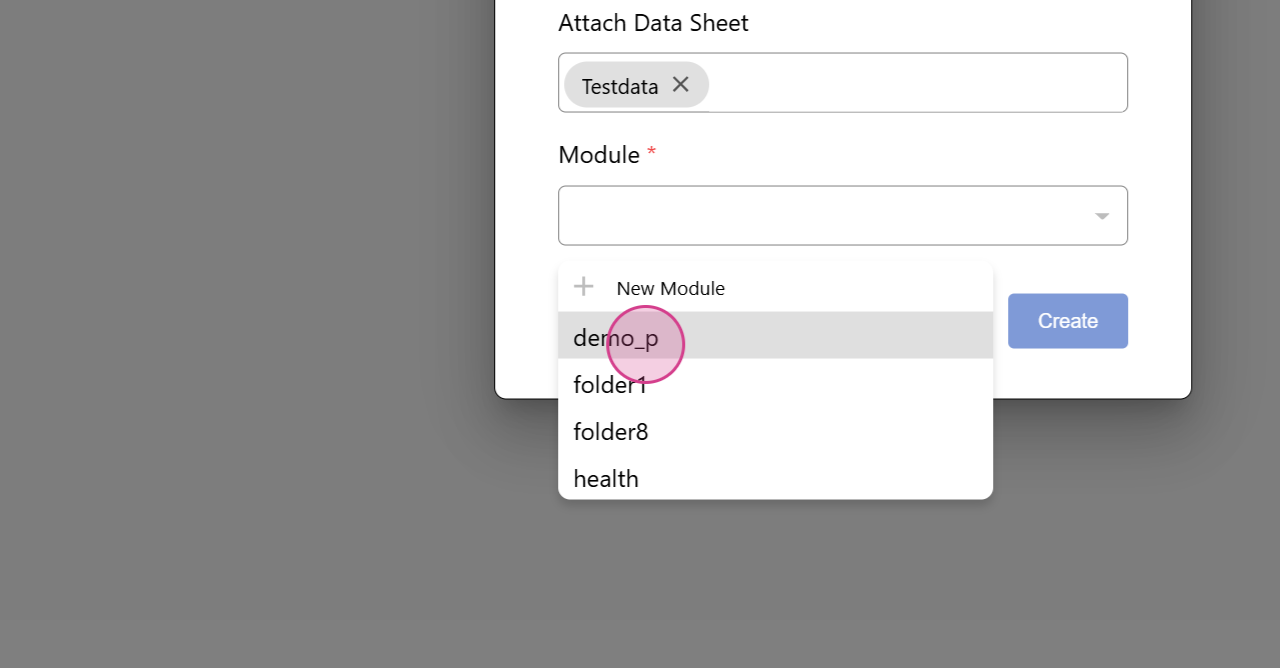
Step 6: Select a module, test, or project
Step 7: Choose an option to create your test case
Step 8: Wait 15-20 seconds for session creation
Step 9: Once the session is active, begin creating steps